 Living EarthDownload
Living Earth press kit
Living Earth shows our planet as it looks from space, with live clouds and storms, plus the time and weather in the places you care about.
Updated October 2026, for Living Earth 4.50. Everything here is free to use in coverage of Living Earth.
Downloads
- Press kit (ZIP, 43 MB): press images, the icon and wordmark, framed devices and screenshots
- App Preview for iPhone (MP4, 21 MB, 16 seconds)
- App Preview for iPad (MP4, 21 MB, 16 seconds)
- “Dawn over Europe”, the sunrise sweeping across Europe in 4K (MP4, 25 MB, 29 seconds, loops)
Fact sheet
| App | Living Earth - Clock & Weather |
| Developer | Moshen Chan of Radiantlabs, LLC, San Francisco |
| On the App Store | Since 2010 |
| Current version | 4.50 |
| Devices | iPhone, iPad and iPhone Duo, with iOS 18.5 or later |
| Price | $5.99 in the US, one purchase for iPhone and iPad. No subscription and no ads; an optional Tip Jar in Settings |
| Privacy | No accounts and no tracking, and Radiantlabs never sells anyone’s data |
| Rating | 4.7 stars from more than 44,000 ratings on the App Store worldwide; 4.8 from more than 15,000 in the US |
| Languages | English, French, German, Italian, Spanish, Portuguese, Russian, Japanese, Korean, and Simplified and Traditional Chinese |
| App Store | apps.apple.com/app/id379869627 |
| Website | livingearthapp.com |
| X | @livingearthapp |
| Press contact | contact@radiantlabs.io |
About Living Earth
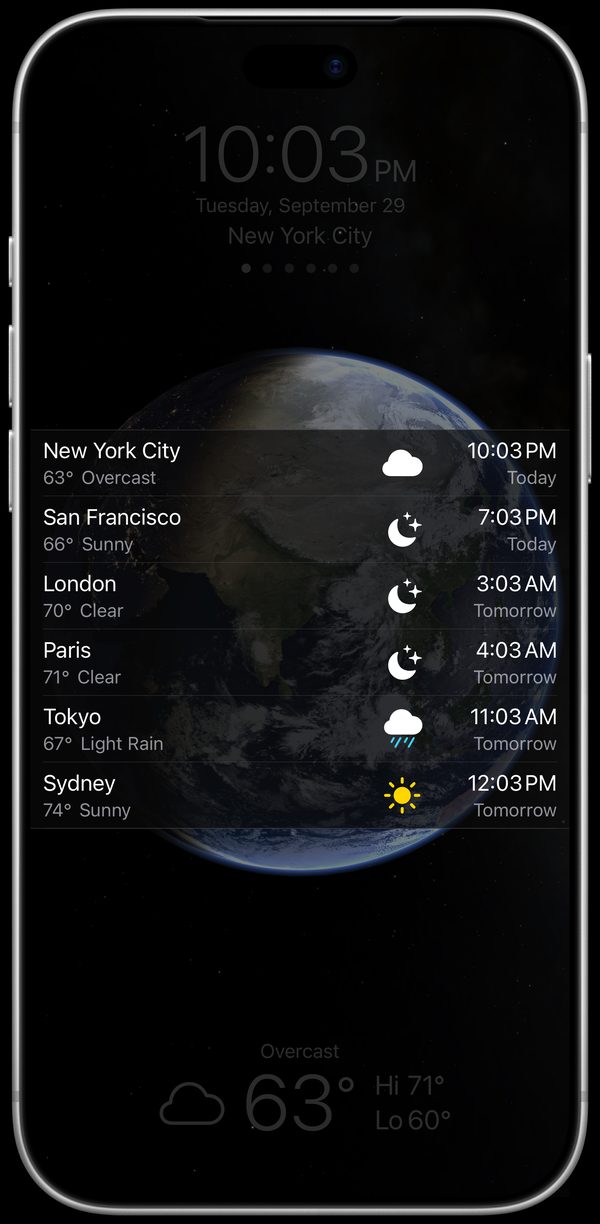
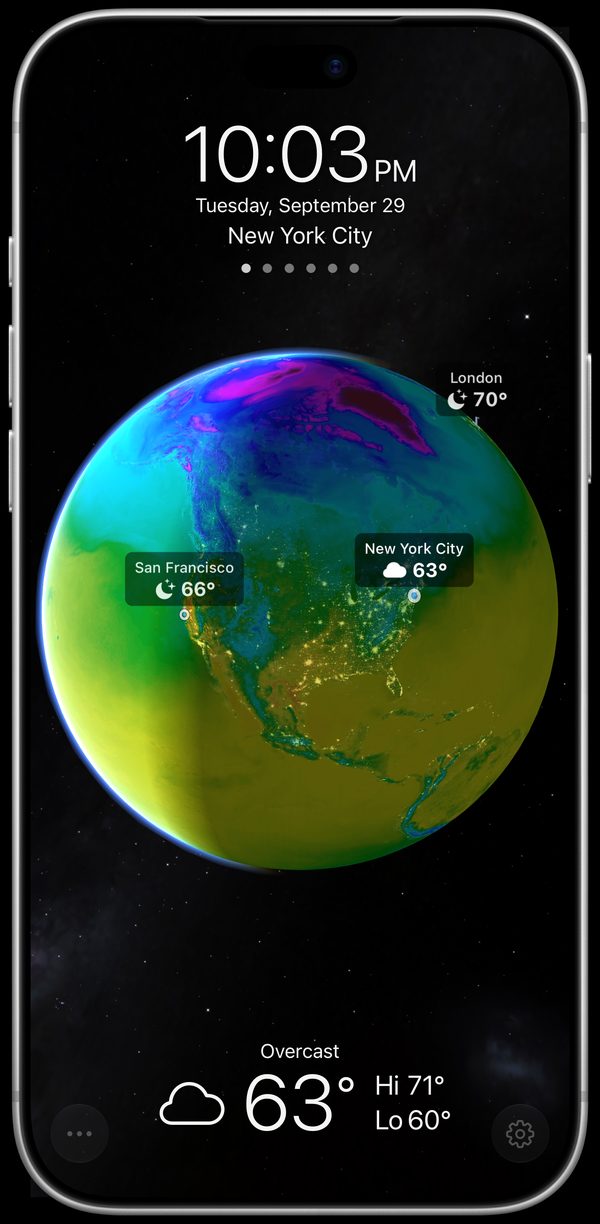
Living Earth shows our planet in motion, with satellite clouds refreshed every hour, sunrise sweeping across the globe and city lights coming on as darkness falls.
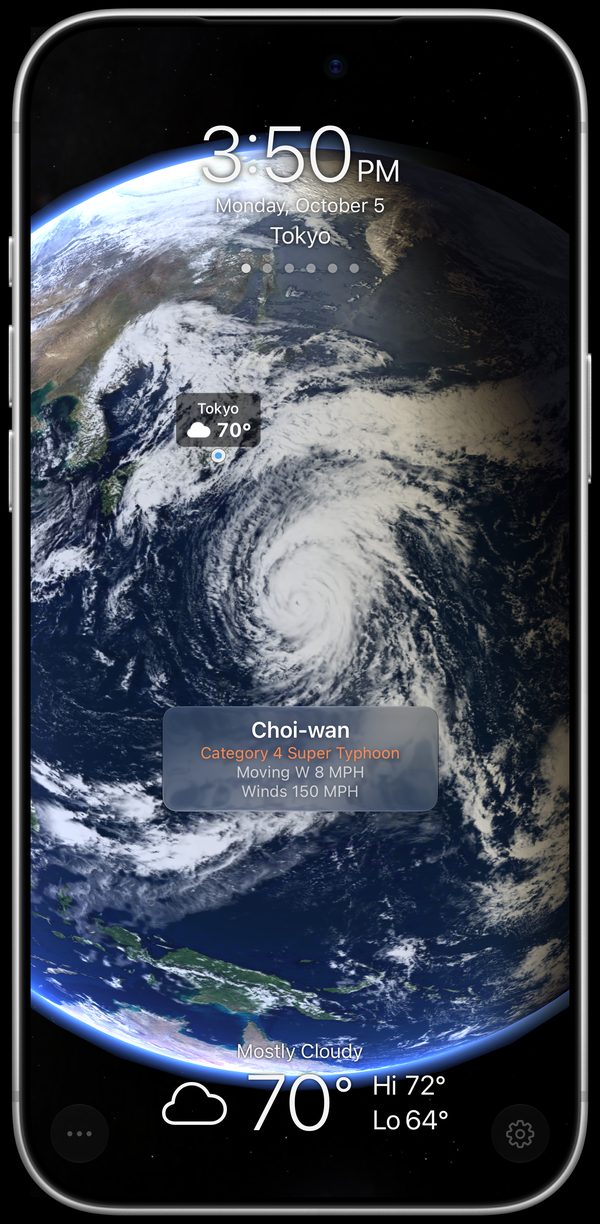
It doubles as a world clock and weather app, with the time and weather in each saved city, plus hourly and 10-day forecasts. Maps show temperature, humidity and wind, and the app follows hurricanes and typhoons around the world, with a notification when one forms or changes strength.
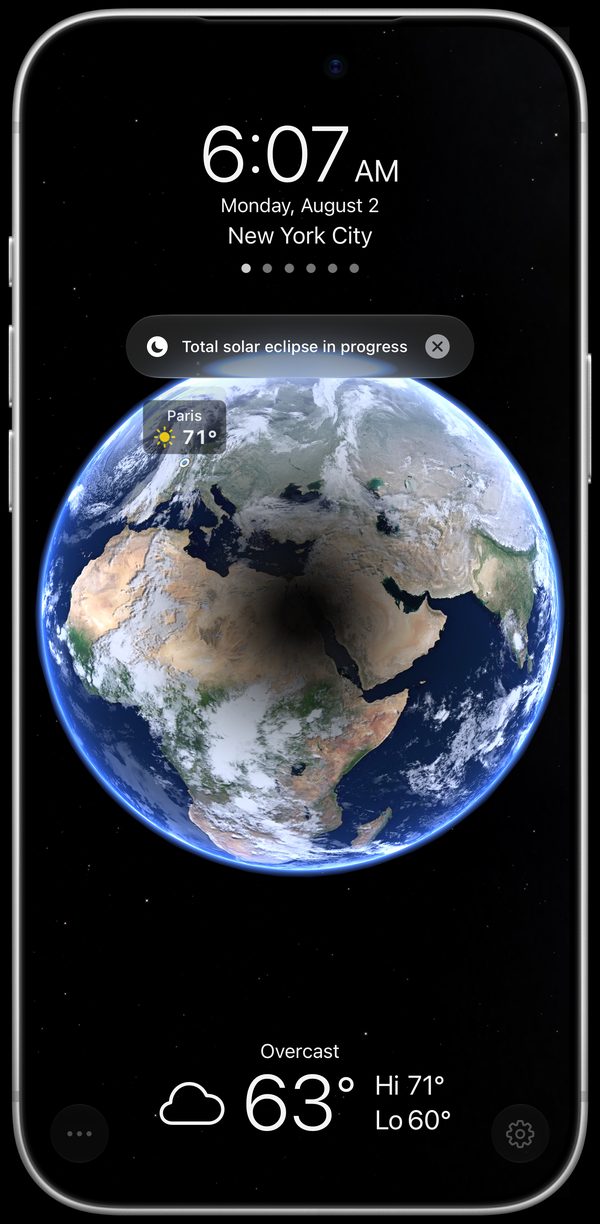
Living Earth also tracks solar and lunar eclipses and works as a bedside clock with a Wake Alarm. It’s a one-time purchase, with no subscriptions, ads or tracking.
About the developer
Living Earth is the work of independent developer Moshen Chan of Radiantlabs in San Francisco. A coder by day and an amateur astronomer and astrophotographer by night, Moshen keeps building and refining the app for the love of space and weather.
What’s new in 4.50
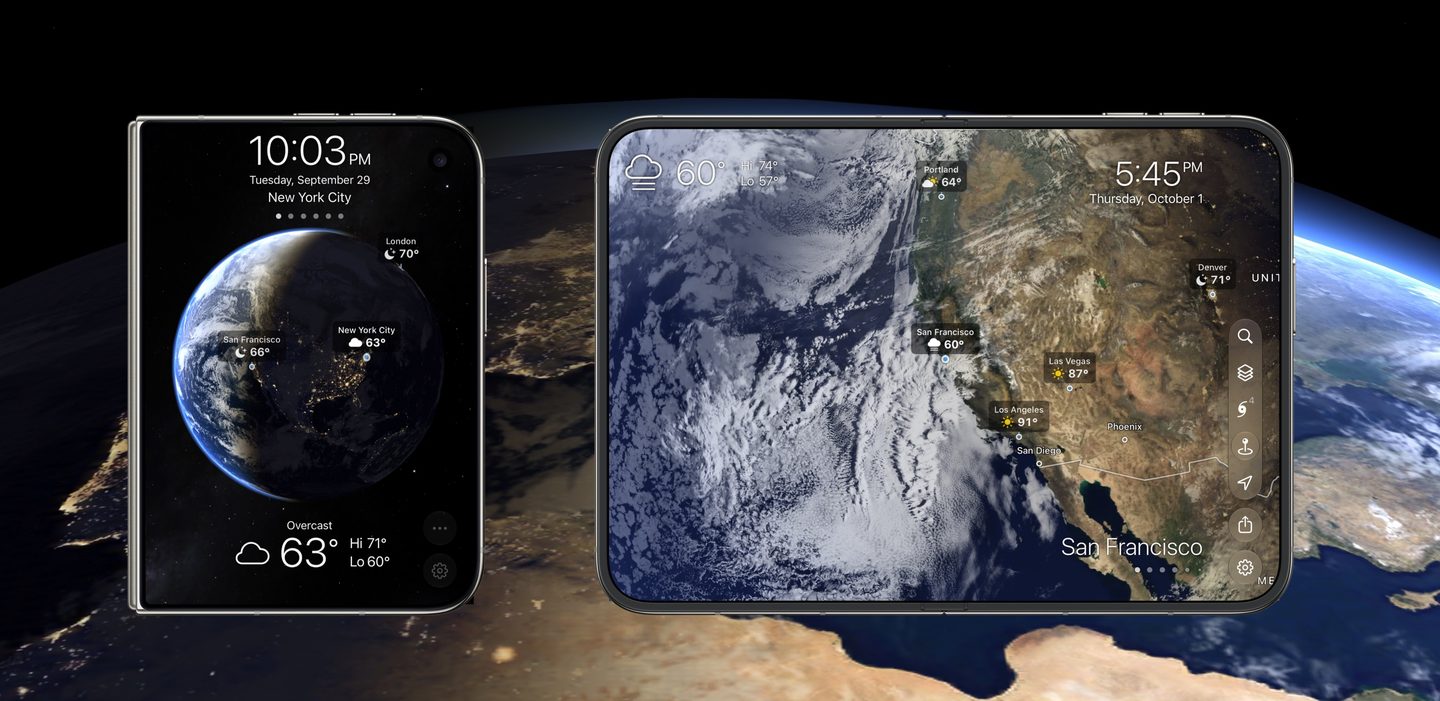
Living Earth 4.50 is a free update for existing users, and the first version for iPhone Duo.
- iPhone Duo. Unfold it and the Earth spreads across the inner display. Close it to see the globe, clock and weather on the cover screen. Fold it into a tent for a bedside alarm clock. Wake Alarms use Apple’s AlarmKit, which lights the inner display with a soft glow when an alarm rings.
- A more detailed globe. Zoom in to see sharper clouds, terrain and city lights.
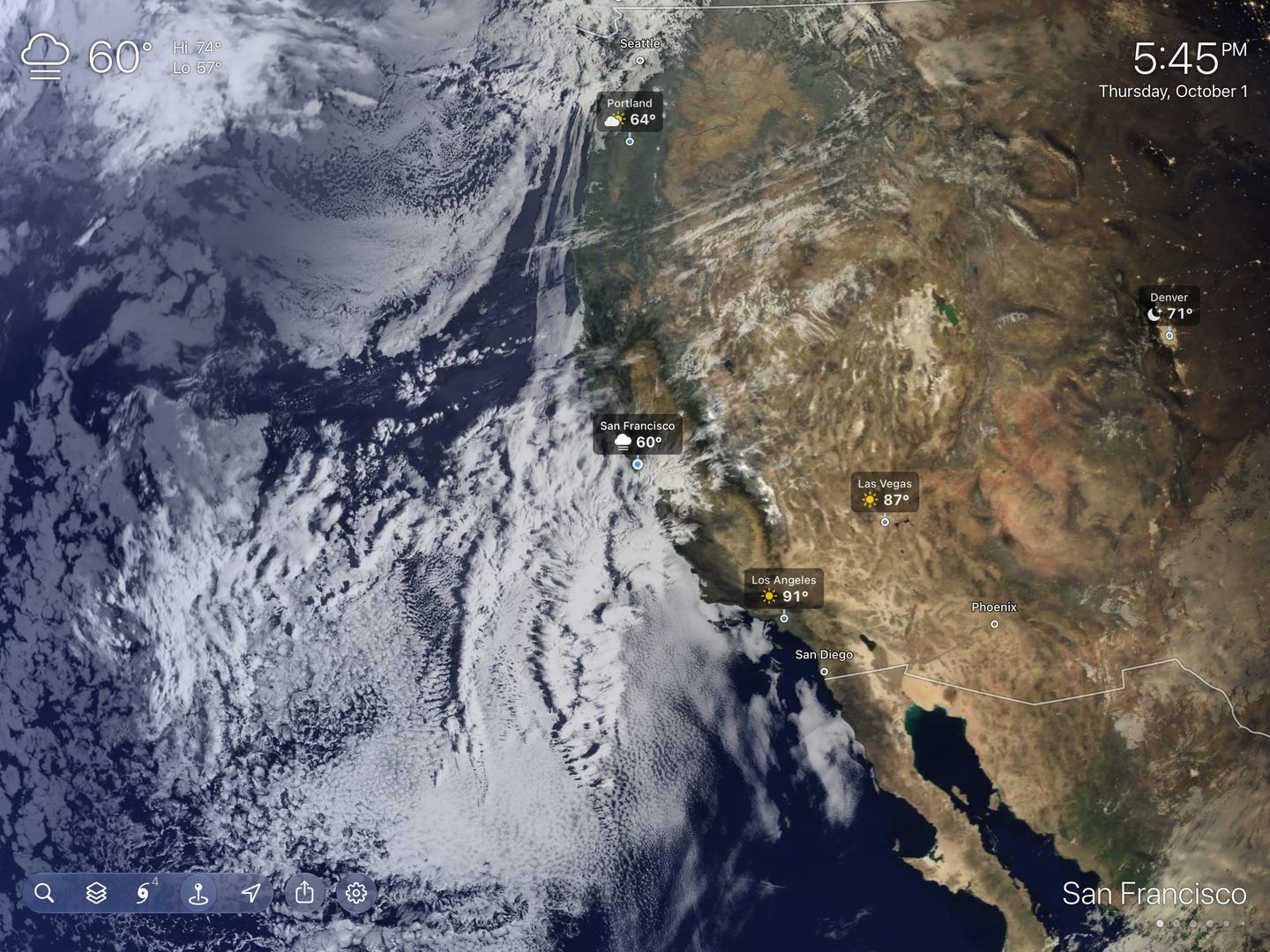
- Borders and place names appear as you get closer. Tap a city’s name to see the weather there.
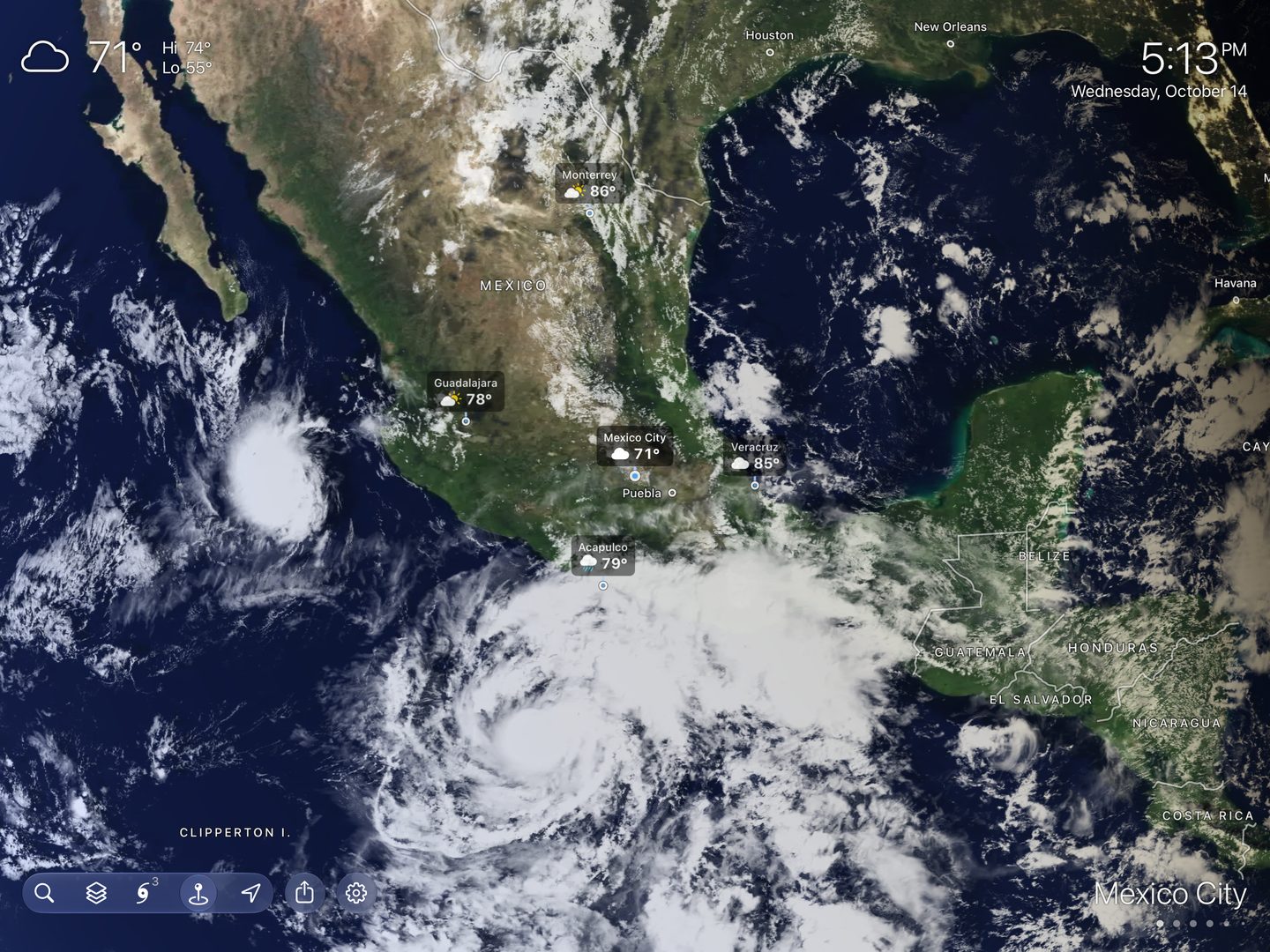
- Search finds any place on Earth and zooms the globe in to show its weather.
- Expanded daily forecasts. View hourly conditions for each day in the 10-day forecast, with full charts in Details.
- Also: new controls for Search, Layers, Storms and Weather Labels, a Tip Jar, and better support for VoiceOver, Switch Control and larger text. It opens faster, too.
Features
What people say
“In a sea of more complicated and ambitious apps, Living Earth is beautifully simple.”
Bob Tedeschi, The New York Times
“Living Earth is proof that a world clock and weather app can be beautiful.”
Apple, App Store
“A stunning app that shows the Earth in real time, based on global weather reports.”
WIRED Insider
Contact
For a TestFlight invite, a promo code, an interview or questions about Living Earth, email me at contact@radiantlabs.io. You can also reach me on X at @paranoidroid, or follow the app at @livingearthapp.
In the ZIP
01 Press images: the iPhone Duo press image, with and without its text, and a three-device version.02 Icon and wordmark: the app icon at 1024 px, square and rounded, and the Living Earth wordmark in white, for dark backgrounds.03 Devices: iPhone, iPad and iPhone Duo (open and closed) in their frames, full size, with transparent backgrounds.04 Screenshots: the app’s screens on each device, unframed, at full resolution.